Guide
What everything does
Onboarding teaches the basics. This is the reference for everything else on the panel.
Not connected yet? Start with the setup guide.The knob
Two rings, one gesture
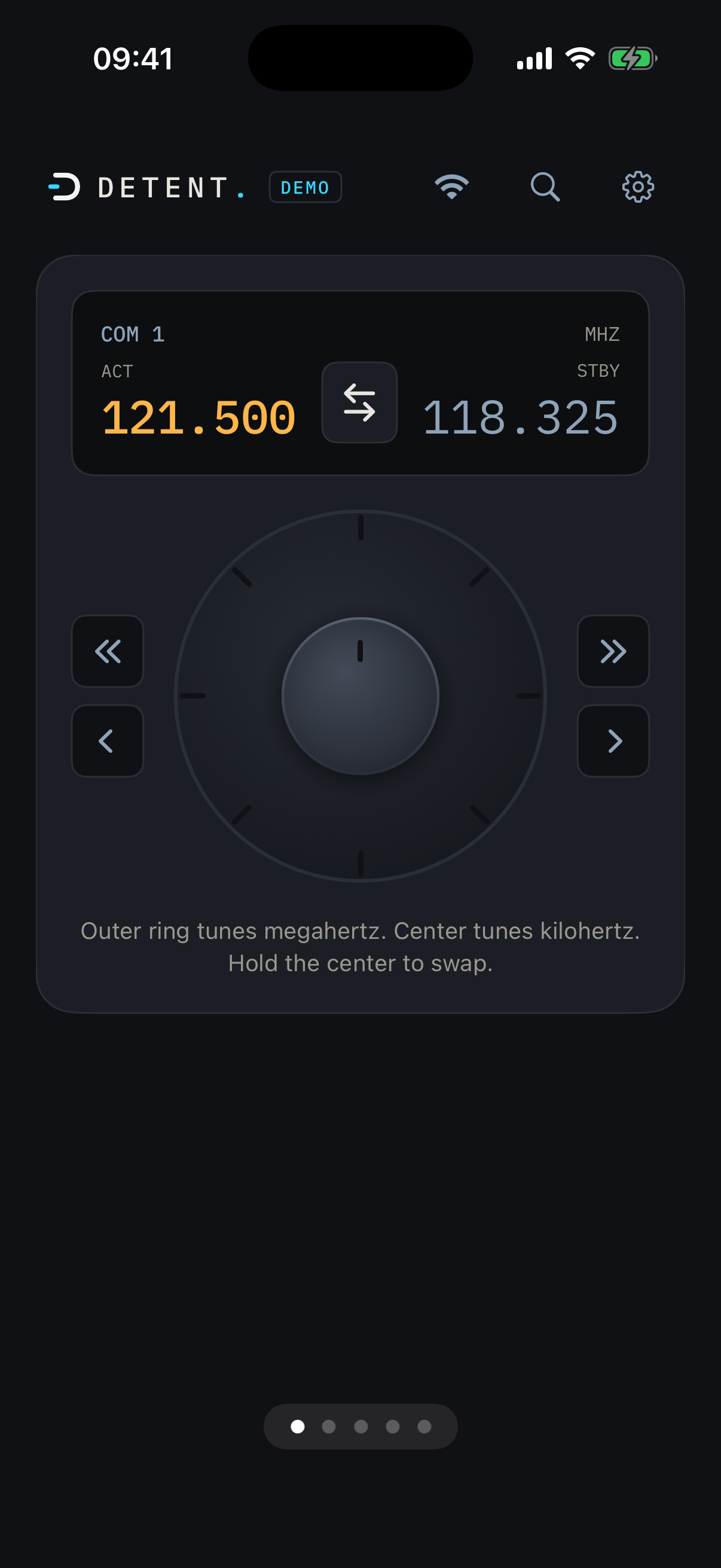
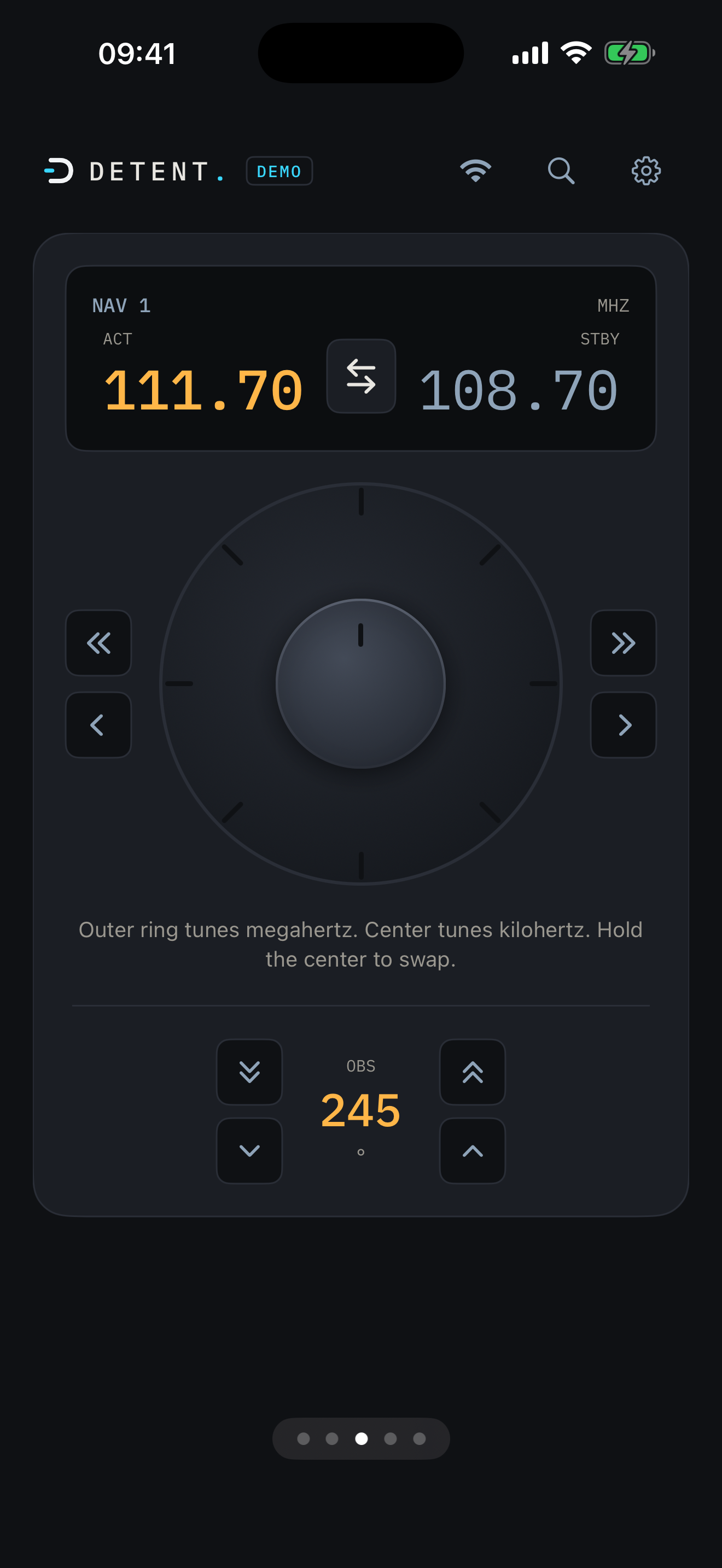
The outer ring tunes the whole megahertz. The inner ring tunes the decimal, in 25 or 8.33 kHz steps depending on the radio's spacing mode.
Hold the inner ring still for a beat and it swaps active and standby. A dedicated swap button does the same thing in one tap.
Direct entry
Predictive keypad
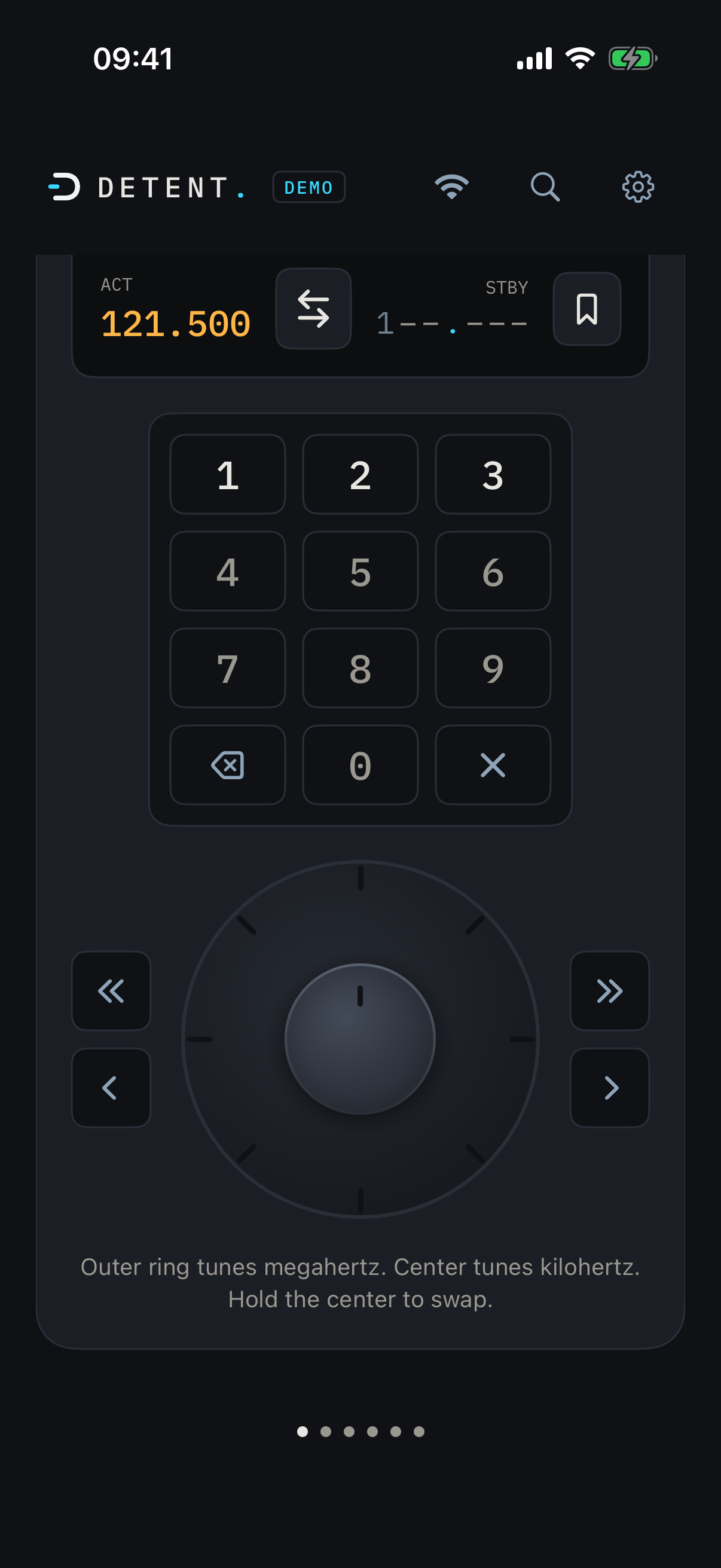
Tap the standby display to open the keypad. It only lets you enter digits that can legally continue a valid frequency for that radio, so you can't type your way to an invalid channel.
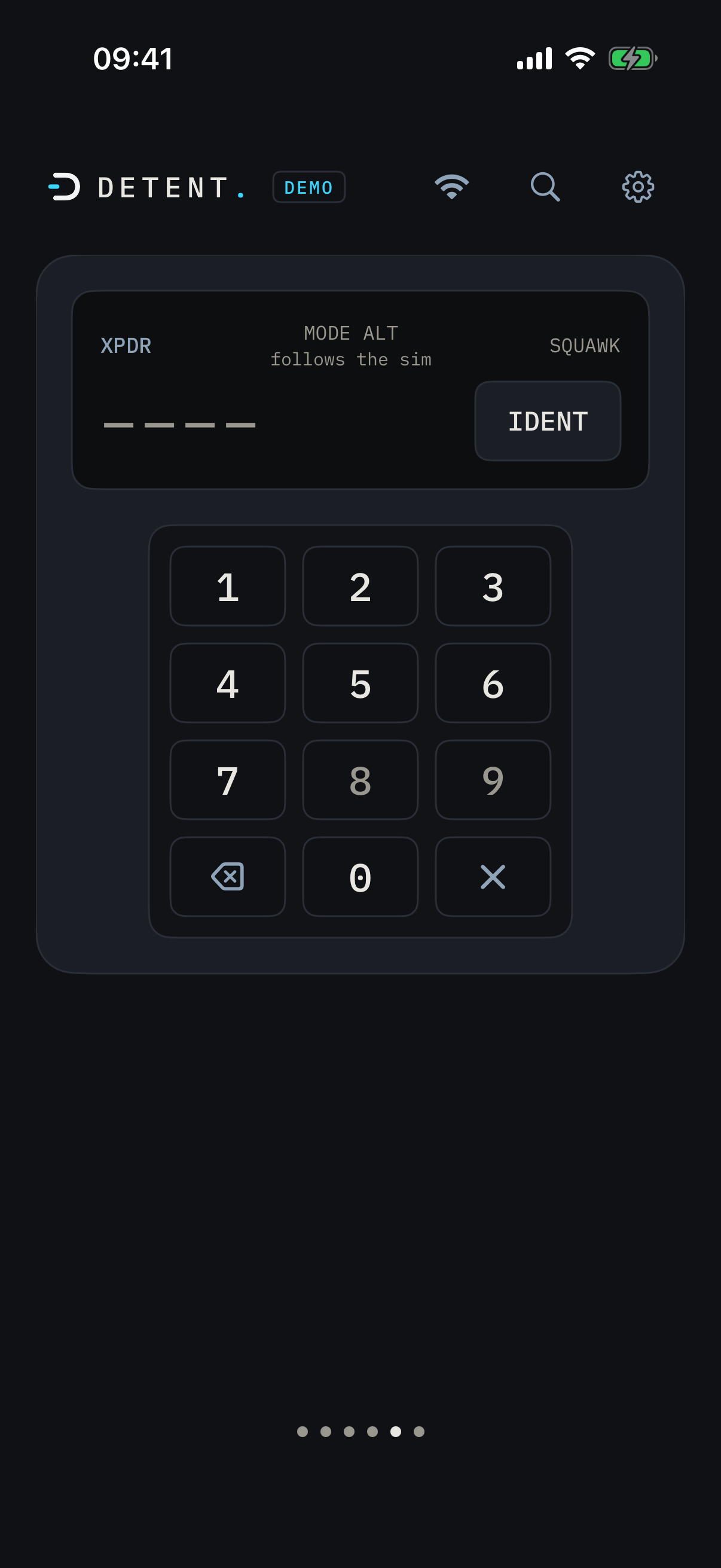
Forced digits (like COM's leading 1) auto-fill. The transponder keypad is octal-only for the same reason: codes that don't exist can't be entered.
Presets & recents
Save a frequency, or grab a recent one
A slide-in strip on each COM or NAV card holds your saved presets plus an automatic recents list, most recent first, capped at 8.
Recents fill in only when a frequency goes active, never from standby fiddling or a knob pass. Presets and recents are shared across both radios in a band: save one from COM1 and it shows up on COM2 too.
Everything is stored on your phone only. No bridge involvement, no sync, no account.
Airport lookup
Every frequency, one tap away
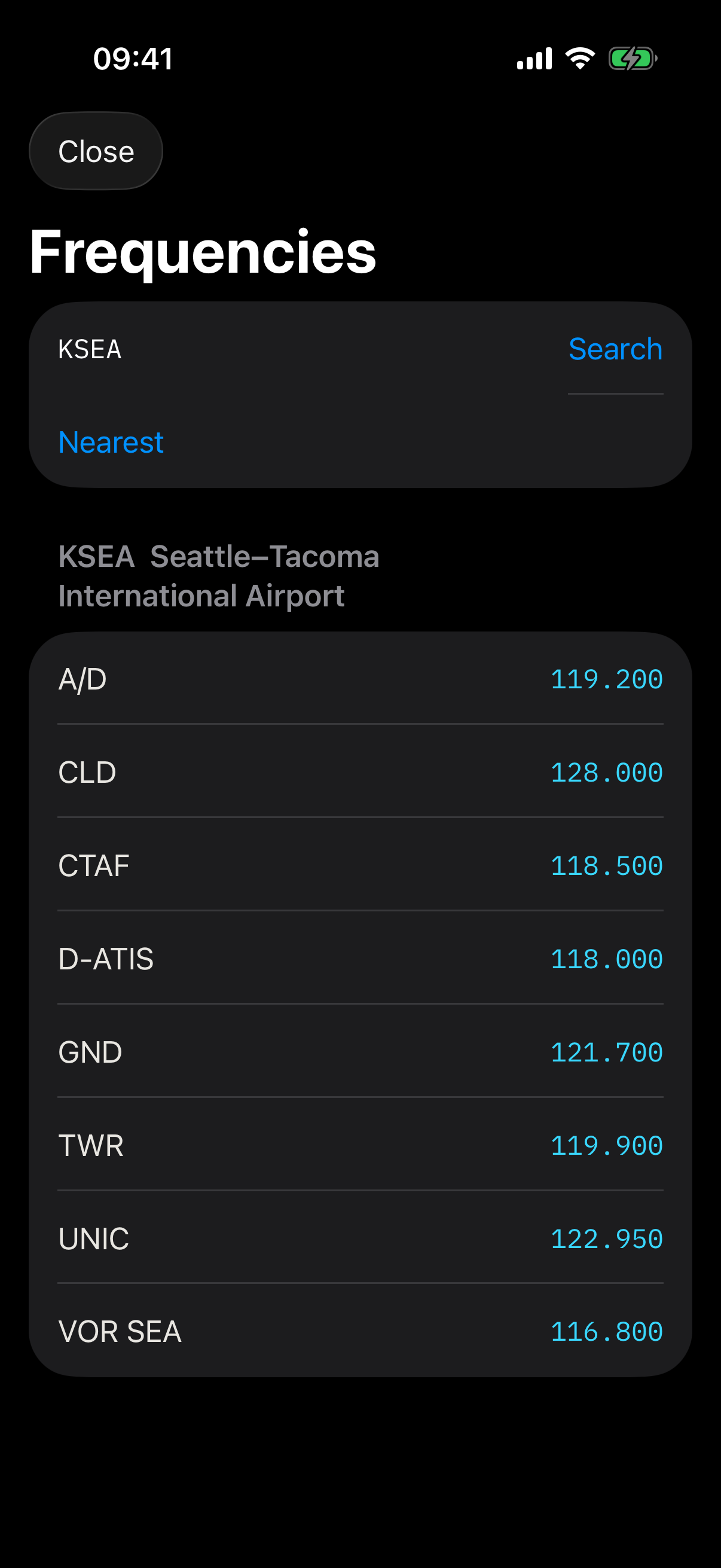
Search any airport by identifier, or find the nearest one to you in the sim. COM and VOR frequencies come from a bundled, offline database, no network request involved.
Tap a result and it drops straight into standby, ready to swap in.
NAV
NAV radios and OBS
NAV1 and NAV2 tune the same way COM does: outer ring for megahertz, inner ring for the decimal, hold to swap.
Each NAV card also carries its own OBS course selector, 0 to 359 degrees, wrapping at both ends.
Transponder
Squawk codes, mode, and IDENT
The transponder keypad is octal-only, four digits, 0 through 7, so an invalid code is never enterable.
IDENT is one tap. Mode (standby, on, altitude, ground) displays the aircraft's current state; it's read-only on most aircraft today, since writable mode varies airframe to airframe.
8.33 kHz
Fine COM spacing
Aircraft and airspace that require 8.33 kHz channel spacing are supported: the knob and keypad both switch to the finer channel table automatically, no separate mode to hunt for.
Autopilot
Autopilot (Beta)
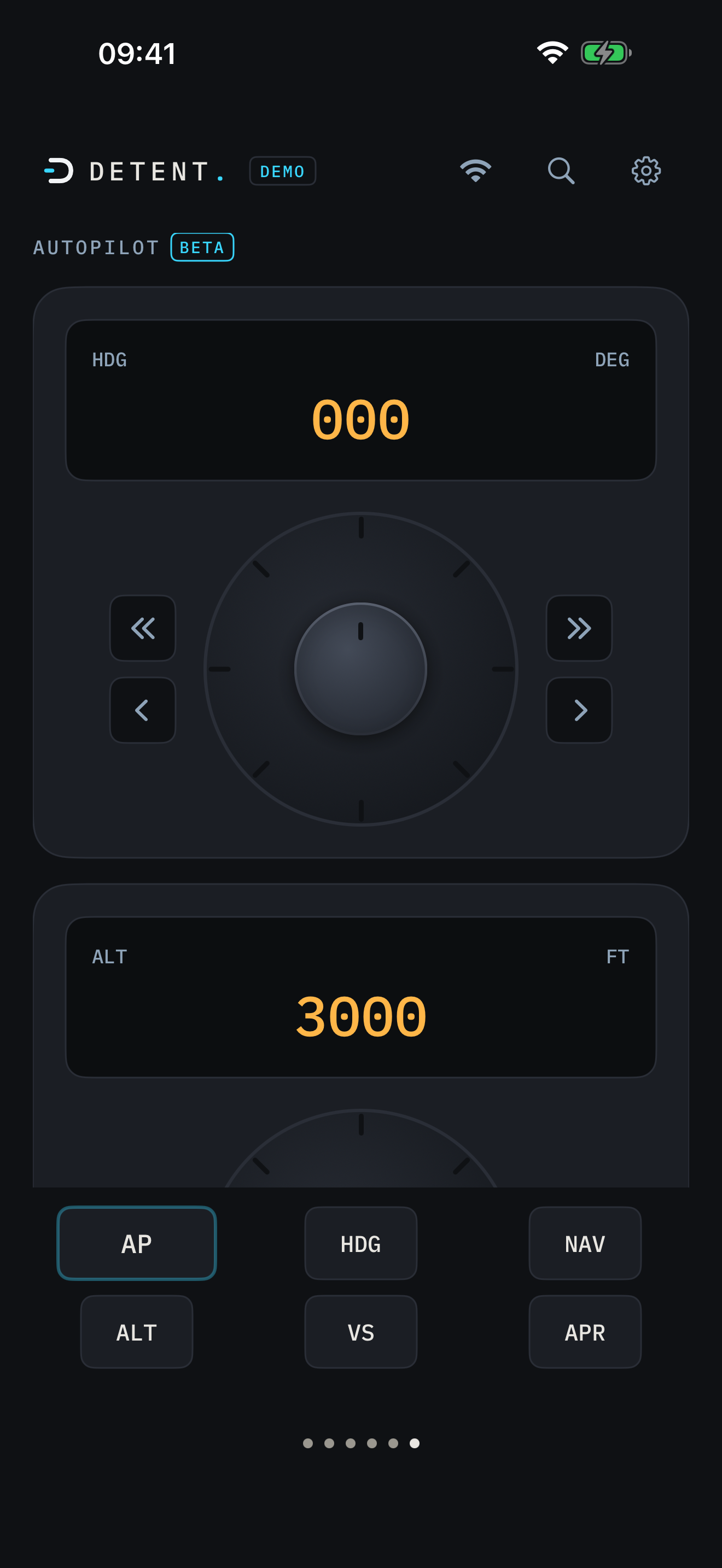
Beta means what it says: the autopilot page is live and verified end to end on supported GA aircraft, the Cessna 172 G1000 class today, with more aircraft coverage landing as it's tested. The Beta label comes off once coverage widens.
Three bug knobs, tuned by feel the same as a radio: heading (HDG), altitude (ALT), and vertical speed (VS). Below them, a mode rail: AP, HDG, NAV, ALT, VS, and APR, each lit amber when engaged.
Only the modes and bugs your current aircraft actually supports appear. Flying something without a supported autopilot? The page shows an honest note, this aircraft's autopilot isn't supported yet, instead of buttons that would do nothing.